



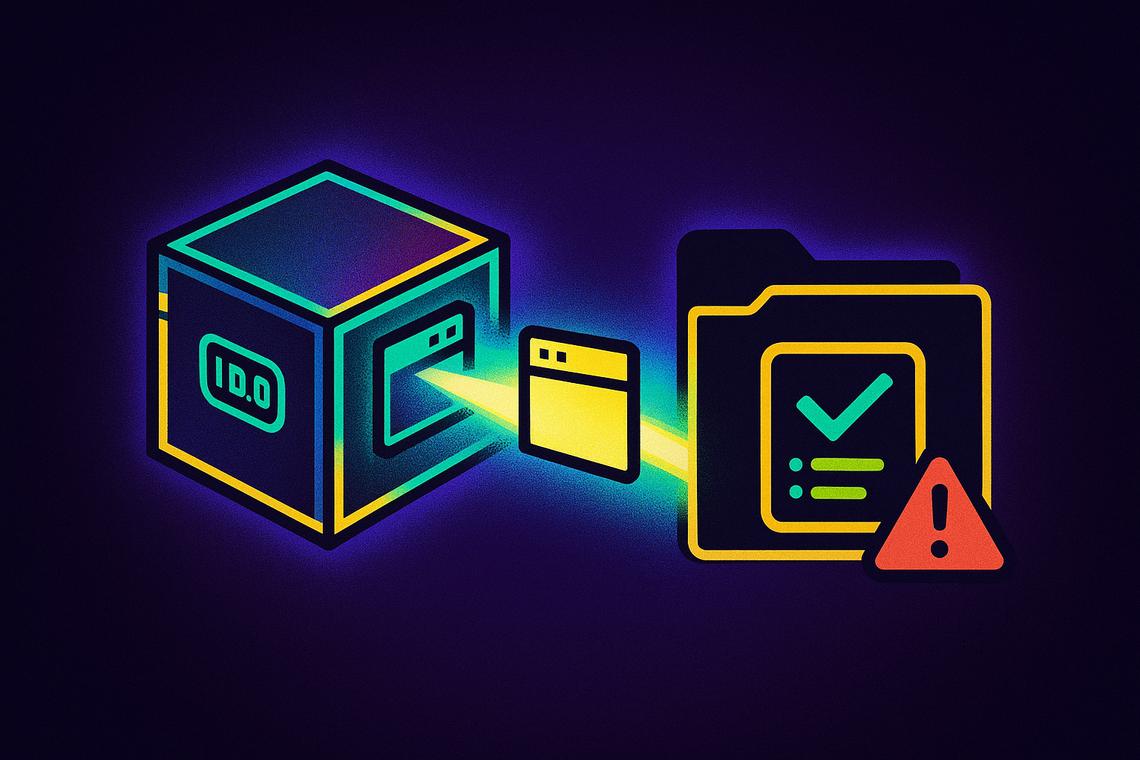
Databricks just crossed a meaningful threshold for developers working with infrastructure-as-code pipelines. The company’s latest Databricks CLI update brings version 1.0.0 to general availability — a milestone that signals the tooling has matured past experimental territory and into production-grade reliability. Alongside it, Databricks Asset Bundles (DABs) have also reached general availability, and a new UI synchronization feature is quietly changing how teams manage their development workflows.
Summary
Key takeaways
- Databricks CLI version 1.0.0 is now generally available and downloadable from the official GitHub release notes at github.com/databricks/cli/releases.
- Databricks Asset Bundles (DABs) have also reached general availability alongside the CLI release.
- A new UI sync feature propagates changes made in the Databricks UI back to source files, but only for bundles deployed in development mode using source-linked deployment.
- The feature is particularly useful for jobs and dashboards, though users should always review edits in Git when working with complex bundles.
- This release is the last batch of updates before the upcoming Databricks summit in June.
Databricks CLI 1.0.0 Reaches General Availability
CLI version 1.0.0 is available now, and it represents the first stable, production-ready release of Databricks’ command-line interface. The version is available for download directly from the official GitHub release notes at github.com/databricks/cli/releases.
For engineers who have been building deployment pipelines around the CLI in earlier preview states, this GA label matters. It removes ambiguity about whether the tooling can be trusted in production environments and sets a clear baseline for future versioning. Teams that have been cautiously waiting for a stable release now have a defined entry point.
General Availability of Databricks DABs
Databricks Asset Bundles hitting general availability in tandem with the CLI is not incidental. DABs are the foundational mechanism for packaging and deploying Databricks resources as code — notebooks, jobs, pipelines, and more — and their GA status means the full infrastructure-as-code workflow now rests on a stable, supported foundation rather than preview-stage tooling.
Together, the CLI and DABs form the backbone of how engineering teams structure and version their Databricks deployments. Both reaching GA at the same time consolidates that foundation in a single release moment.
UI Synchronization Enhances Development Workflow
The most practically interesting addition in this release is the new UI sync capability. For the first time, edits made directly in the Databricks UI can propagate back to the underlying source files — closing a loop that previously forced developers to manually reconcile UI changes with their codebase.
How UI Sync Works
The feature activates when a bundle is deployed from the UI in development mode using source-linked deployment. Under that setup, any subsequent edits made through the UI are now automatically reflected in the source files. It is a targeted capability — scoped specifically to development mode — rather than a broad sync across all deployment types.
That scoping matters. Development mode is where iteration happens fastest, where developers are tweaking configurations, testing job parameters, and adjusting dashboard logic without necessarily going through a full CI/CD cycle every time. Being able to make a quick edit in the UI and have it land back in the source removes a friction point that previously accumulated into real workflow overhead.
Implications for Jobs and Dashboards
According to Hubert Dudek, who documented the release, the UI sync is especially useful for jobs and dashboards — two resource types where iterative UI edits are common. However, Dudek includes a clear caveat: “For jobs, of course, please always review in Git as results in some complicated bundles (including my favorite mutators) cannot be guaranteed.”
That warning is worth taking seriously. Complex bundles that rely on mutators — logic that transforms bundle configuration at runtime — can produce results that the sync mechanism may not capture predictably. For those scenarios, Git remains the authoritative record, and skipping the review step introduces risk that the UI alone cannot surface.
This is a good illustration of where the feature adds genuine value versus where it requires disciplined follow-through. For straightforward jobs and dashboards in development, UI sync reduces the copy-paste and manual update cycle significantly. For teams running sophisticated bundle architectures, it is a convenience layer, not a replacement for proper version review.
The Last Update Before the Databricks Summit
Timing adds context here. This release represents the last set of Databricks updates before the upcoming June summit, which positions it as a pre-summit consolidation moment. Shipping both the CLI and DABs at GA status just ahead of a major company event suggests these announcements are deliberate anchors — stable foundations that will likely inform whatever roadmap or product direction gets presented at the summit.
For teams evaluating Databricks’ deployment tooling, waiting to see what the summit surfaces before committing to a wider adoption of CLI 1.0.0 and DABs might be a reasonable approach. But the GA labels on both mean there is no longer a technical excuse to delay. The tooling is ready; the question now is whether teams are.
FAQ
What is new in Databricks CLI version 1.0.0?
Databricks CLI version 1.0.0 is now generally available, marking the first stable production-ready release of the tool. It can be downloaded from the official GitHub release notes at github.com/databricks/cli/releases.
What does the UI synchronization feature do?
The UI synchronization feature automatically propagates changes made in the Databricks UI back to the underlying source files, so developers no longer need to manually reconcile UI edits with their codebase.
Which deployment mode supports the UI sync feature?
UI sync works exclusively for bundles deployed in development mode using source-linked deployment. It is not available across all deployment types.
Why should users review jobs in Git after edits in the UI?
Some complex bundles — particularly those using mutators — may produce results that the UI sync cannot reliably guarantee. Reviewing changes in Git ensures that the source remains accurate and that unexpected transformations from mutators are caught before they cause issues.
Article produced with the assistance of artificial intelligence and reviewed by the editorial team.