



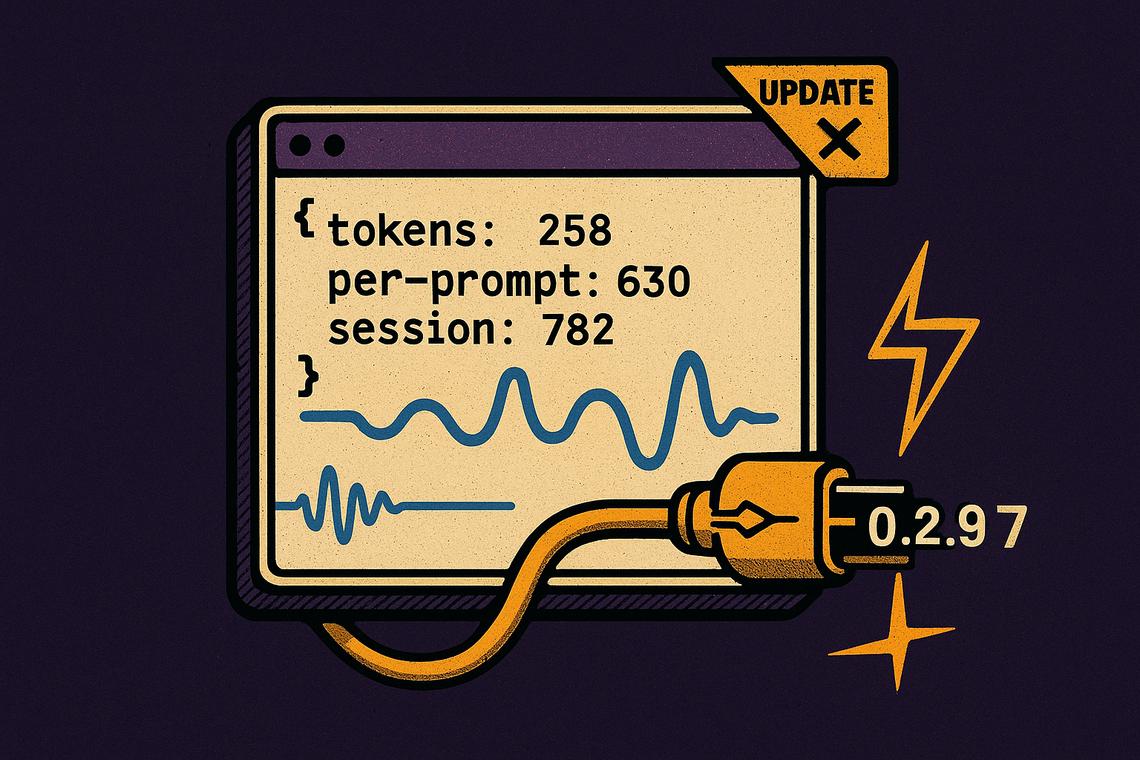
Grok Build has been pushing software updates at a pace that would make most developer teams envious. Over just six days — from July 6 to July 11, 2026 — the team shipped ten consecutive version releases, each carrying a mix of new features, refined controls, and targeted bug fixes aimed squarely at power users and developers who live inside the terminal.
Summary
Key takeaways
- Grok Build version 0.2.97, released July 11, 2026, is the latest release and introduces headless JSON output with token usage and cost tracking per prompt and per session.
- Voice mode for API-key sessions arrived in 0.2.97; voice dictation on Linux was added earlier in 0.2.89 on July 7.
- New slash commands including /goal, /auto, /minimal, /fullscreen, and /history have been added across recent versions, giving users finer control over sessions.
- Multiple critical bug fixes across versions addressed session freezing, background task leaks, MCP server disconnects, and clipboard copy failures on Wayland and iTerm2.
- Permission handling has been progressively improved, with auto permission mode prompting far less frequently on routine development commands.
Latest Release: Grok Build 0.2.97 Introduces Headless JSON Output and Voice Mode
The most significant addition in version 0.2.97 is headless JSON output that now includes token usage and cost data — both per prompt and across an entire session. For developers running automated pipelines or tracking API spend, this closes a meaningful visibility gap. SDK turns also expose this information via Turn.usage, making programmatic cost monitoring straightforward without any custom instrumentation.
Voice mode has arrived for API-key sessions in this release, extending an input method that had previously been limited. This follows the addition of voice dictation on Linux in version 0.2.89, which requires pipewire, pulseaudio-utils, or alsa-utils to function.
Editing, selection, and shell command handling
A small but useful quality-of-life improvement lets users double-click or press Enter on a previous message in the transcript to edit and resubmit it directly. Text selection in scrollback also behaves more predictably when starting on chrome elements, gaps, or while the view is actively scrolling.
Shell commands using ripgrep (rg) no longer require permission prompts by default — a practical change for repositories where grep-style searches run constantly. New environment variables allow tuning scroll and draw cadence specifically for high-refresh displays.
Bug fixes and background task management
The 0.2.97 release addresses several reliability issues that had been affecting sessions. Background tasks started by the model in headless mode now terminate on exit instead of leaking. Agent process leaks on failed spawns and missing stdio teardown are also prevented. A crash triggered when the agent posed a question on narrow terminals has been fixed, and clipboard copy now correctly reports success when using iTerm2 over SSH — a combination that had previously produced misleading feedback. MCP servers using HTTP, including nebula for Slack, now automatically recover from disconnects, and the next reset time in /usage displays in local timezone rather than Pacific Time.
Recent Updates Introduce New Commands and UI Enhancements
The four versions immediately preceding 0.2.97 each brought meaningful changes to how users interact with sessions, manage notifications, and control their working environment.
System notifications and slash commands in 0.2.96
Version 0.2.96, released July 10, 2026, structured system notifications with a kind/title/body format for more consistent rendering. The up arrow on an empty prompt now browses prompt history, and /history provides a searchable interface for it. Subagent rows fold into verb-group headers, and the tasks pane displays live activity labels. JetBrains terminals on Windows default to minimal mode to avoid raw mouse-report leaks. Dashboard shortcuts now advertise the correct key for terminals that cannot deliver Ctrl+. and compact mode activates automatically on very small terminals.
Team user command shipping and interjections in 0.2.95
Released also on July 9, 2026, version 0.2.95 introduced a meaningful team-facing capability: organizations can now ship default allowed commands via managed_config.toml, with user deny rules still taking precedence. Mid-turn interjections now appear as normal user prompts rather than a separate cyan block. Clipboard copies on Wayland now succeed even when the terminal loses focus mid-copy — a persistent pain point on Linux desktop environments. The Rewind feature now fully removes selected turns from both scrollback and the model’s conversation history.
New slash command /goal and dashboard improvements in 0.2.94
Version 0.2.94, also released July 9, introduced the /goal <objective> slash command, giving users a direct way to set session objectives. The /sessions command now opens the Agent Dashboard instead of a separate picker. The read_file tool was updated to return full single-line content rather than silently clipping at 2,000 characters — an important fix for sessions dealing with minified JSON or large data dumps.
Permission prompt improvements and markdown selection in 0.2.93
Version 0.2.93, released July 8, 2026, made MCP permission prompts more informative by showing the planned arguments upfront, so users can evaluate what a tool will actually do before approving. Dragging inside rendered markdown tables now selects whole cells or rectangular ranges and copies the result as TSV — a clean improvement for anyone working with structured data in the terminal. Esc no longer cancels a running turn; Ctrl+C handles that instead.
Minimal and fullscreen mode toggling in 0.2.92
Version 0.2.92, released on the same day, added the /minimal and /fullscreen slash commands to switch session modes on the fly. User-run shell commands now display complete output after finishing instead of silently dropping middle lines. Pasting images on macOS is approximately 65 times faster, achieved by reading the pasteboard directly rather than routing through osascript.
Earlier Feature Additions Focused on Voice Dictation, Permissions, and Session Management
The foundation for several of the latest features was laid in three releases across July 6 and 7.
Voice dictation and auto permission mode in 0.2.89
Version 0.2.89, released July 7, 2026, brought voice dictation to Linux users and introduced the /auto slash command for switching to classifier permission mode. Image edits now use the higher-quality Imagine model. Shell state, including current working directory and environment variables, persists across tool calls in Cursor:Shell sessions. LaTeX math renders correctly for display equations and complex subscripts.
Session title, model key reporting, and auto permission improvements in 0.2.90
Also on July 7, version 0.2.90 made session titles from /rename visible on the prompt box border after a resume. The grok models banner now correctly reports per-model API keys and deployment keys. Auto permission mode prompts far less frequently on routine development commands — a change that meaningfully reduces friction for developers running repeated bash operations. Chat conversations in the unified sidebar can now be renamed or deleted from the desktop app.
Scrolling and search enhancements in 0.2.88
Version 0.2.88, released July 6, 2026, focused on navigation quality. Scrolling became smoother with better trackpad and wheel handling, alongside configurable speed and mode settings. Session search now returns tighter multi-word results and handles filenames and plurals more reliably. Tool call grouping is enabled by default, folding consecutive reads and searches into single rows for a cleaner view.
What stands out across this update sequence is the consistency of focus: each release targets specific friction points — platform-specific clipboard issues, permission prompt fatigue, session state corruption — rather than shipping large-scope changes that introduce new instability. For teams using Grok Build in production workflows, the cumulative effect of these Grok Build software updates over a single week represents a substantially more stable and capable tool than what existed just days earlier. The question for developers now is how quickly the session management and headless cost-tracking features get absorbed into automated workflows where the real productivity gains will compound.
FAQ
What are the main new features in Grok Build version 0.2.97?
Version 0.2.97 introduces headless JSON output with token usage and cost details per prompt and per session, voice mode for API-key sessions, improved text selection in scrollback, ripgrep exemption from permission prompts, and a range of bug fixes including session freeze prevention, background task leak fixes, and corrected clipboard copy reporting on iTerm2 over SSH.
Which versions added new slash commands and dashboard improvements?
Version 0.2.94 added the /goal <objective> slash command and changed /sessions to open the Agent Dashboard directly. Version 0.2.96 added /history for searching prompt history and structured system notifications with kind/title/body formatting. Version 0.2.92 added /minimal and /fullscreen for switching session modes on the fly.
How has Grok Build improved permission handling recently?
Version 0.2.93 updated MCP permission prompts to show planned arguments before approval. Version 0.2.90 reduced the frequency of auto permission mode prompts on routine development commands. Version 0.2.89 introduced the /auto slash command for switching to classifier permission mode. Version 0.2.95 allowed teams to ship default allowed commands via managed_config.toml, with user deny rules retaining override priority.
Is voice dictation supported in Grok Build?
Yes. Voice dictation on Linux was added in version 0.2.89 and requires pipewire, pulseaudio-utils, or alsa-utils. Voice mode for API-key sessions was introduced in version 0.2.97, released July 11, 2026.
Article produced with the assistance of artificial intelligence and reviewed by the editorial team.